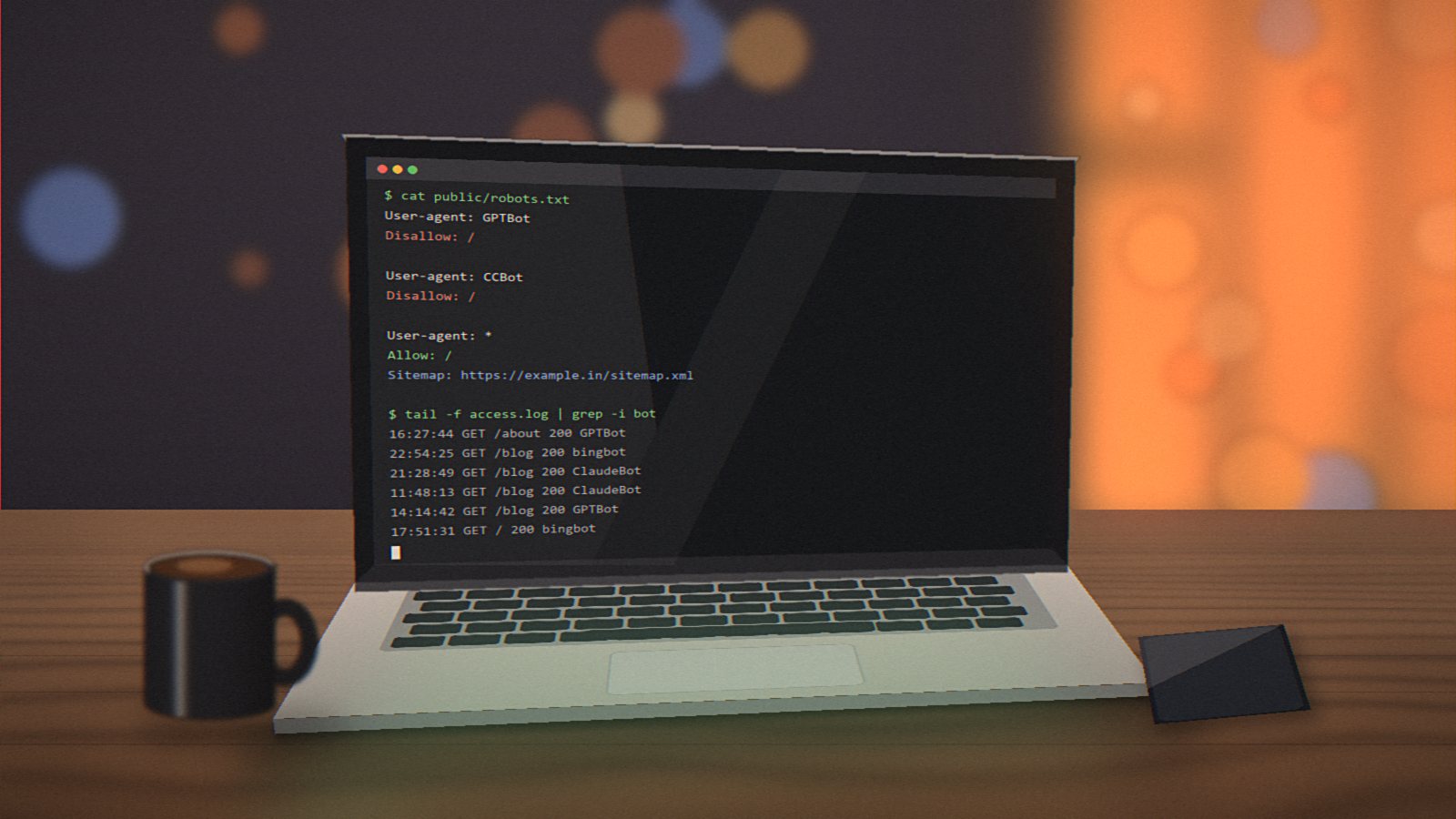
If you look at your server logs today, you'll see visitors with names like GPTBot, ClaudeBot, PerplexityBot, CCBot and Applebot. Some of them collect content to train AI models. Some fetch pages to answer a user's question in real time. A growing number of our clients are asking a fair question: should we let them in?
The conversation usually starts with surprise. An education publisher we work with opened their server logs for the first time in months and found that AI crawlers were making more requests than Googlebot. Their first reaction was "block everything". Their second reaction, after a cup of chai and a longer chat, was more nuanced. Here's roughly how that conversation went.
There's no single right answer. It depends on what your website is for.
Two different kinds of AI crawling
It helps to separate two things.
Training crawlers collect large amounts of web content to train future AI models. Your content becomes part of what the model "knows", usually with no link back to you.
Search and retrieval crawlers fetch a page when someone asks an AI assistant a question, so the assistant can answer with current information and, ideally, cite your site.
Many AI companies now use separate crawler names for these jobs, which means you can allow one and block the other.
Who should consider blocking
- Publishers and content businesses whose articles, research or courses are the product. If AI tools can answer questions using your content without sending visitors, that's lost revenue.
- Sites with premium or member content that's accidentally publicly reachable.
- Businesses with strong legal or contractual reasons to control how their content is reused.
Who probably shouldn't
For most service businesses, shops, clinics, agencies and consultants, being visible in AI answers is a good thing. When someone asks an assistant "best website developer in Bengaluru" or "how much does a dental implant cost", you want your site to be one of the sources it can read. Blocking every AI crawler can quietly remove you from those answers.
A sensible middle ground many of our clients choose: block training crawlers, allow search and retrieval ones. That's what the publisher ended up doing. Their free sample chapters stay readable by AI assistants, because those bring in students. Their paid course material sits behind a login, where it should have been all along.
How to do it
The main tool is your robots.txt file. Each well-behaved crawler checks it before visiting. To block a specific crawler, you add a short rule naming it, for example:
User-agent: GPTBotfollowed byDisallow: /blocks OpenAI's training crawler.User-agent: Google-Extendedfollowed byDisallow: /tells Google not to use your content for Gemini training. It does not affect your normal Google Search ranking.User-agent: CCBotfollowed byDisallow: /blocks Common Crawl, a public dataset widely used for AI training.
Each AI company publishes the exact names of its crawlers and what each one does. Check their documentation before writing rules, because names and purposes change.
The limits of robots.txt
robots.txt is a request, not a lock. Reputable companies follow it, but not every bot does. If you need stronger protection, services like Cloudflare offer settings to block known AI bots at the network level, and some hosting providers have similar options. For content that must stay private, put it behind a login. That's the only reliable control.
Our recommendation
Decide based on your business model, not on fear. If your content is your product, protect it. If your website exists to bring in customers, let AI assistants read it, and make sure what they find is accurate, clear and up to date. Whatever you choose, write it down and review it every six months. This area is changing quickly, and the right setting today may not be the right one next year.