"Can we add one of those AI chatbots?" has become the most common feature request we get. It makes sense. The tools are cheap, impressive in demos, and everyone seems to be adding them. But after building and watching quite a few of them in the wild, we've become more selective about where we recommend them.
Where they work well
Support for products with lots of documentation. A software company with hundreds of help articles is a great fit. The chatbot reads the docs and answers questions like "how do I export my invoices to Excel?" far faster than someone searching the help centre.
Internal tools. A chatbot that answers staff questions using HR policies or process documents. Low risk, high time savings.
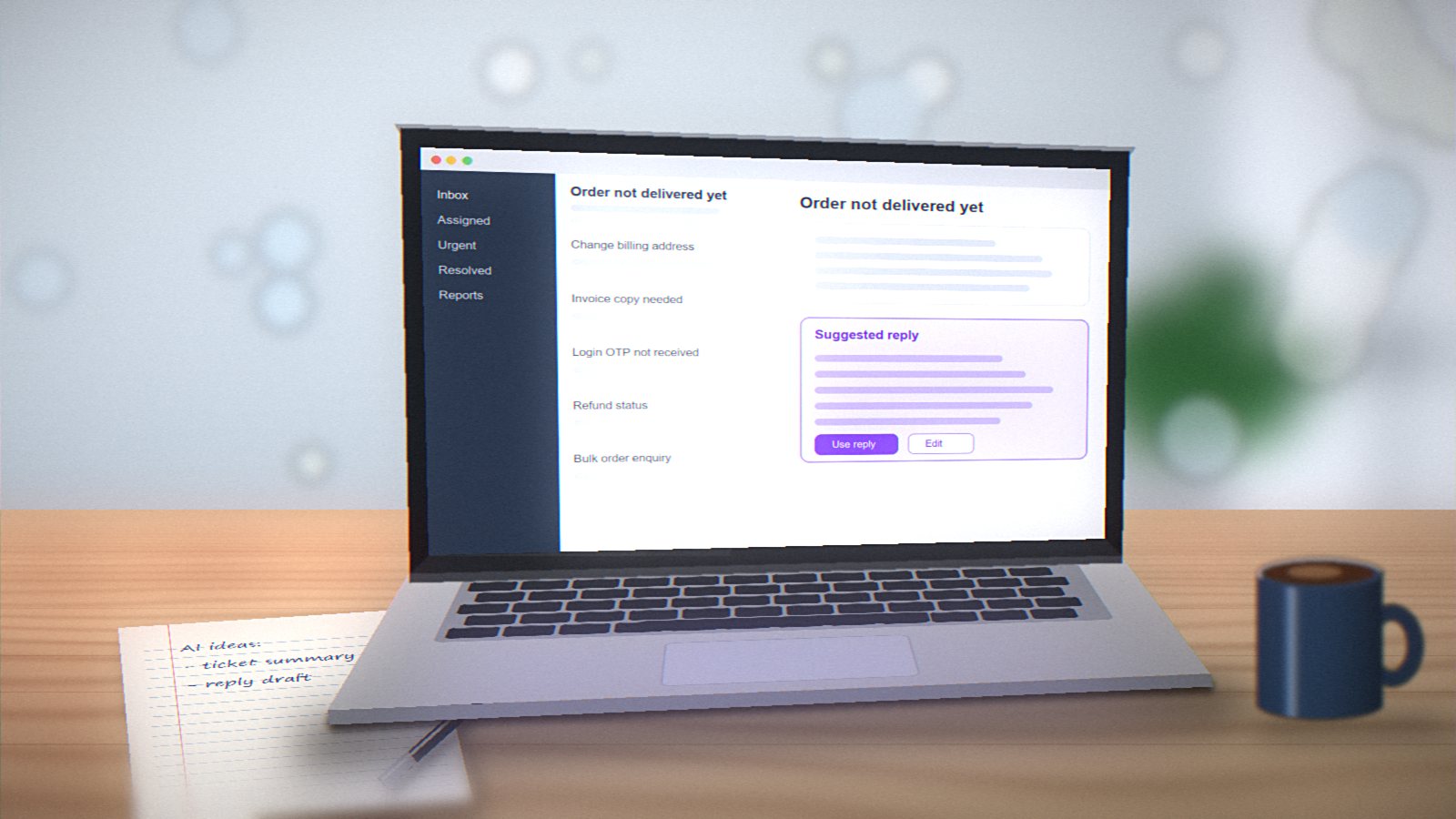
After-hours triage. For service businesses, a bot that collects details (what the problem is, location, preferred time) and books a callback works well at 11 pm when nobody's answering the phone.
E-commerce product questions. "Does this jacket come in XL?" "Is this compatible with my phone model?" If the product data is good, a bot can answer reliably.
Where they cause trouble
Simple brochure sites. If your site has five pages and a phone number, a chatbot adds little. Visitors usually want to call or WhatsApp a real person.
Anything involving prices, legal or medical advice. AI models can confidently say things that are wrong. A bot that tells a customer the wrong price, or gives incorrect medical guidance, creates real problems. There have already been well-publicised cases of companies being held to things their chatbots said.
When it blocks access to humans. The fastest way to make customers angry is a bot that won't let them reach a person. Always make the "talk to a human" option obvious.
How we build them responsibly
- Ground it in your own content. The bot should answer from your documents and data, not from general internet knowledge. This is usually done with a technique called retrieval-augmented generation (RAG).
- Set clear boundaries. It should say "I don't know, let me connect you with our team" instead of guessing.
- Log and review conversations. For the first few weeks, read the transcripts. You'll find gaps in your content and questions you didn't expect.
- Be upfront that it's a bot. People are more forgiving of a bot's limits when they know what they're talking to.
- Mind the data. Don't let it collect sensitive information it doesn't need, and mention it in your privacy policy.
What it costs
A basic chatbot using an off-the-shelf tool can cost a few thousand rupees a month. A custom one built on your own data, integrated with your CRM or booking system, is a proper development project, with ongoing costs for the AI model usage.
Our honest advice
Start with the problem, not the technology. If your team spends hours answering the same twenty questions, a chatbot may be worth it. If the real issue is that your website doesn't clearly explain what you do, a chatbot won't fix that. Better copy will.