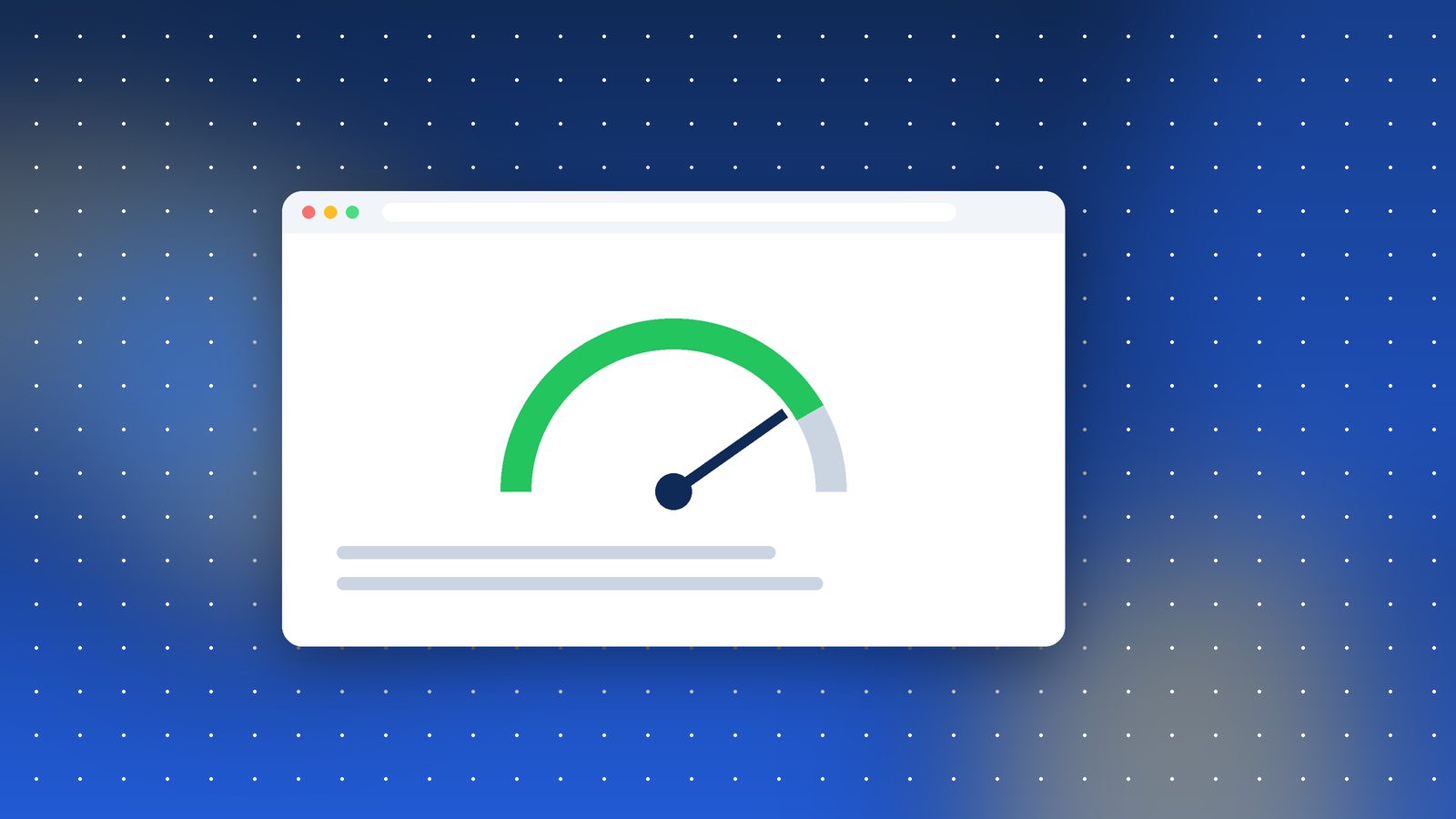
A client recently sent us a screenshot from Google Search Console with a worried message: "It says our site has poor INP on mobile. We never had problems before. What changed?"
What changed is the measurement. In March 2024, Google replaced First Input Delay (FID) with Interaction to Next Paint (INP) as one of the three Core Web Vitals. Many sites that comfortably passed FID are now failing INP, and it's causing a lot of confused emails.
What INP actually measures
Imagine you tap a button on a website. INP measures how long it takes from that tap until the screen visibly responds. It looks at all the interactions during a visit (clicks, taps, key presses) and reports something close to the worst one.
FID only measured the delay before the browser started handling your very first interaction. INP measures every interaction, start to finish. It's a much more honest picture of how a site feels.
Google's thresholds:
- Good: 200 milliseconds or less
- Needs improvement: 200 to 500 ms
- Poor: over 500 ms
Why sites fail
In our experience, almost every INP problem comes down to too much JavaScript running at the wrong time. The usual suspects:
- Third-party scripts. Chat widgets, heatmaps, multiple analytics tags, ad scripts. Each one competes for the browser's main thread.
- Heavy page builders and sliders that run lots of code on scroll or click.
- Big click handlers that do everything at once: update the UI, send analytics, validate a form, all before the screen repaints.
- Mega menus that rebuild large chunks of HTML when opened.
On cheaper Android phones, which a big share of Indian users carry, all of this is much slower than on the developer's laptop. That's why your site can feel fine to you and still fail in the field data.
How we fix it
- Find the slow interactions. Chrome DevTools' Performance panel shows long tasks. The Web Vitals extension is a quick way to see INP while clicking around.
- Remove what you don't need. We often find two analytics tools doing the same job, or a chat widget nobody uses.
- Delay non-essential scripts until after the page is interactive, or until the user scrolls.
- Break up long tasks. If a click handler does five things, update the screen first and do the rest afterwards. Developers can yield to the browser between steps.
- Avoid layout thrashing. Reading and writing layout values in a loop forces the browser to recalculate repeatedly.
Does it affect rankings?
Core Web Vitals are a ranking signal, but a modest one. Great content on a slow site will still beat thin content on a fast one. The bigger reason to care is people. A button that seems to do nothing for half a second gets tapped again, or abandoned. That's a real cost in lost enquiries and sales.
If Search Console is flagging INP on your site, don't panic. It's usually fixable in a few days of focused work, and the site feels better for everyone afterwards.