If you run a business in India, your customers probably prefer WhatsApp to every other channel. We see it on almost every site we build: when we add a WhatsApp button, it often becomes the most-used contact method within weeks, ahead of forms and phone calls.
But "add WhatsApp to the website" can mean two very different things.
Option 1: Click-to-chat link
This is the simple version. A button on your site that opens WhatsApp with your number and, optionally, a pre-filled message. It uses a link in this format: https://wa.me/919876543210?text=Hi, I'd like a quote.
Good for: Small businesses, clinics, shops, consultants, anyone where one person or a small team replies manually.
Cost: Free.
Tips:
- Pre-fill a message that tells you where they came from, like "Hi, I'm interested in the 3BHK listing on your website." This saves a lot of back-and-forth.
- Use different pre-filled messages on different pages so you know which page brought the enquiry.
- On desktop, the link opens WhatsApp Web or the desktop app. Make sure the button still makes sense there.
- Use the WhatsApp Business app (free) rather than personal WhatsApp, so you get a business profile, quick replies and away messages.
Option 2: WhatsApp Business Platform (API)
This is the full integration, run through Meta directly or through a provider (often called a BSP, Business Solution Provider). It lets your systems send and receive WhatsApp messages automatically.
Good for:
- Order confirmations and delivery updates for online stores
- Appointment reminders for clinics and salons
- OTPs and account alerts
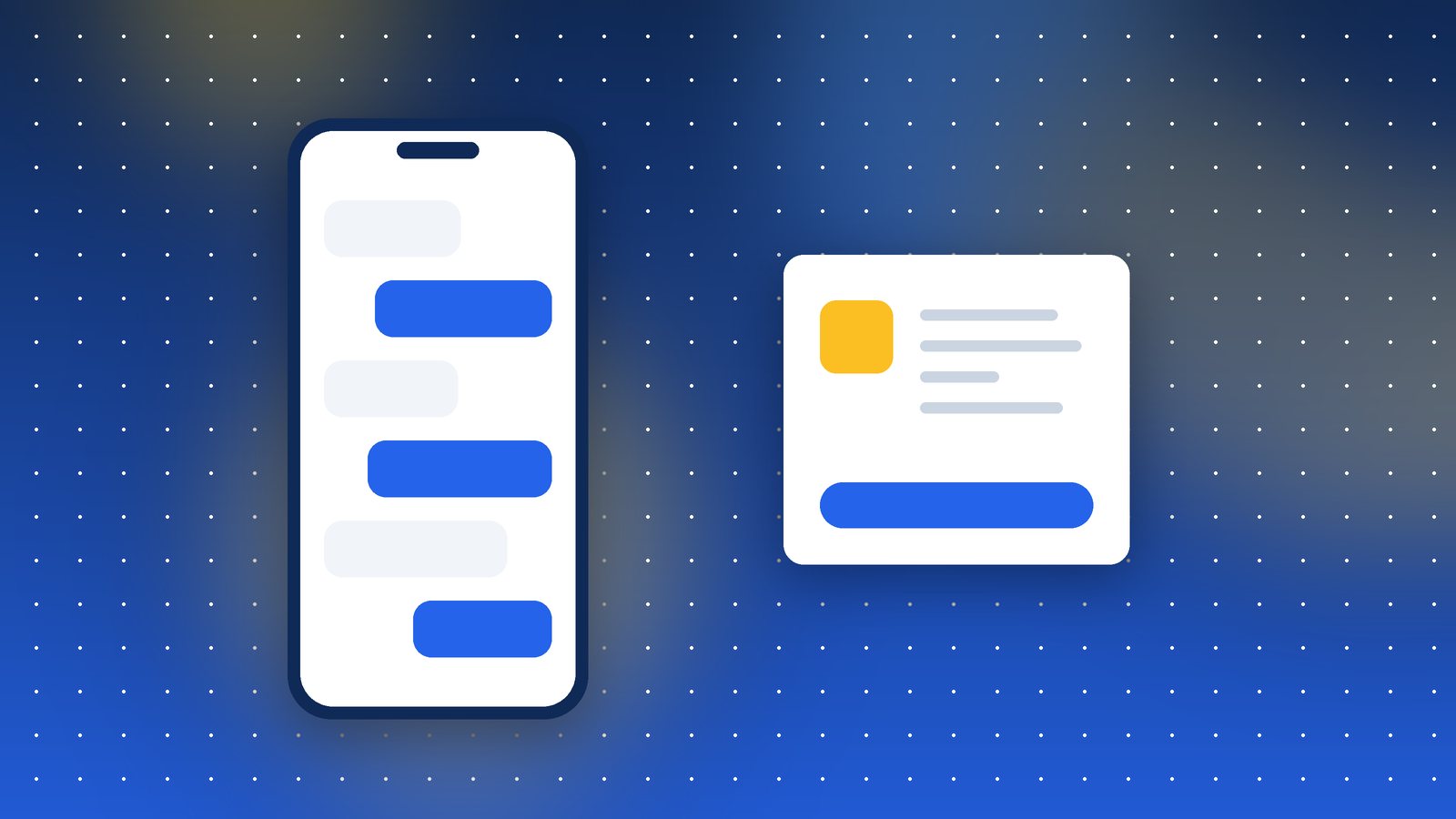
- Chatbots that answer common questions
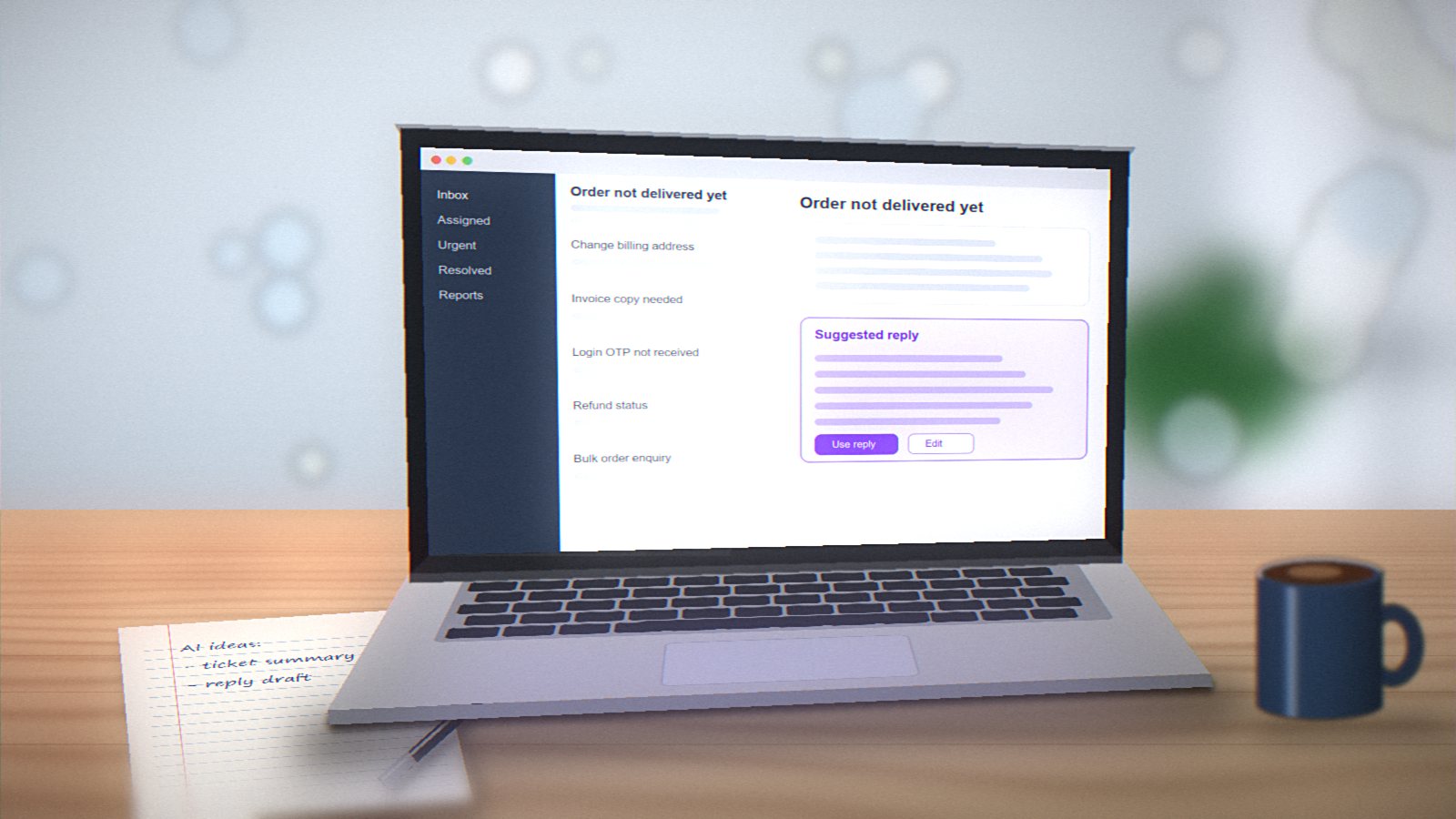
- Teams of several people sharing one WhatsApp number through a shared inbox
Cost: Meta charges per message based on the type (marketing, utility, authentication), and providers add their own fees. For a business sending a few thousand messages a month, expect a few thousand rupees in message costs plus the provider's plan.
Things to know:
- Business-initiated messages need pre-approved templates. You can't just send any text.
- Users must opt in to receive messages from you.
- Marketing messages cost more than utility messages, and if users block or report you often, your number's quality rating drops.
Which one do you need?
Ask two questions:
- Do you need to send messages automatically from your website or software? If yes, you need the API.
- Do several people need to answer from the same number? If yes, the API with a shared inbox tool is much easier.
If both answers are no, start with click-to-chat. It's free and takes ten minutes. You can always move to the API later when volume grows.
A note on privacy
Whatever you choose, mention WhatsApp in your privacy policy, and don't add customers to broadcast lists without their permission. Spammy WhatsApp marketing annoys people quickly, and it's a fast way to get your number restricted.