"We need an app" is something we hear from clients regularly, often because a competitor has one. Sometimes a native app is the right call. But often what the business really needs is a fast, installable, reliable mobile experience, and a Progressive Web App can deliver that at a fraction of the cost.
What a PWA is
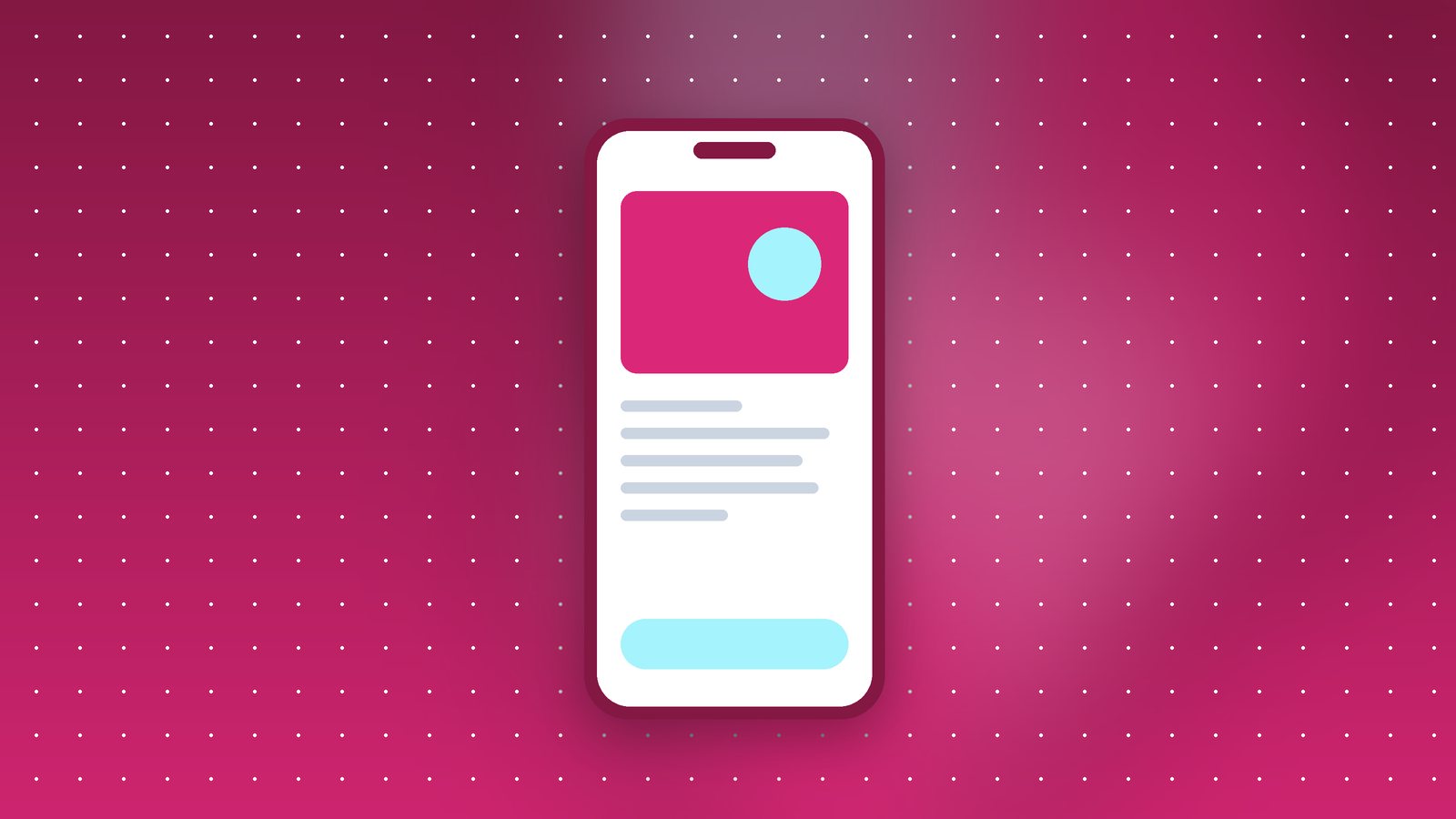
A Progressive Web App is a website that can behave like an app. Visitors can add it to their home screen, it opens in its own window without the browser bar, it can work offline or on poor connections, and on most platforms it can send push notifications.
Technically, it's a normal website with a web app manifest (a small file describing the app's name, icons and colours) and a service worker (a script that handles caching and offline behaviour).
What's improved
PWAs have been around for years, but support used to be patchy, especially on iPhones. That's improved significantly. iOS supports installed web apps with push notifications, badges and better storage. On Android, installed PWAs feel very close to native apps, and Chrome actively prompts users to install them.
When a PWA is probably enough
- Ordering and booking. Restaurants, salons, clinics, service bookings.
- Customer portals. Checking orders, invoices, account details.
- Content and catalogues. News, product catalogues, menus, course content.
- Internal tools. Field staff apps for orders, attendance, inspections. These are great as PWAs, because you skip the app store review process entirely.
- Businesses testing demand. A PWA lets you find out whether customers actually want an app before investing in native development.
When you probably need a native app
- Heavy use of device hardware. Advanced camera features, Bluetooth devices, background location tracking, health sensors.
- App store presence is the strategy. If customers discover you through the Play Store or App Store, or you need in-app purchases through the stores.
- Very demanding performance. Games, complex video editing, AR experiences.
- Deep integration with the operating system, like widgets, complex background tasks or system-level sharing in ways the web doesn't support yet.
The cost difference
A native app usually means building for Android and iOS (either separately or with a cross-platform framework like Flutter or React Native), plus a backend, plus app store accounts, reviews and ongoing updates for new OS versions. A PWA is built on top of your existing website and backend, and updates go live instantly when you deploy.
For many projects, a PWA costs somewhere between a third and half of what a comparable native app would cost, and the ongoing maintenance is lower too.
The Indian context
In India, PWAs have a few extra advantages. They're small, which matters on phones with limited storage. They work better on slow or patchy connections when caching is done well. And users don't need to visit an app store and download a large file before trying your service.
Several large Indian companies have used PWAs successfully for exactly these reasons, especially to reach users on entry-level phones.
Our recommendation
Start with an excellent mobile website. Make it fast, make it installable, add offline support for key screens. Watch how people use it. If you then find features that genuinely need native capabilities, or you have strong evidence that an app store presence would bring customers, build the native app with the confidence that the demand is real.